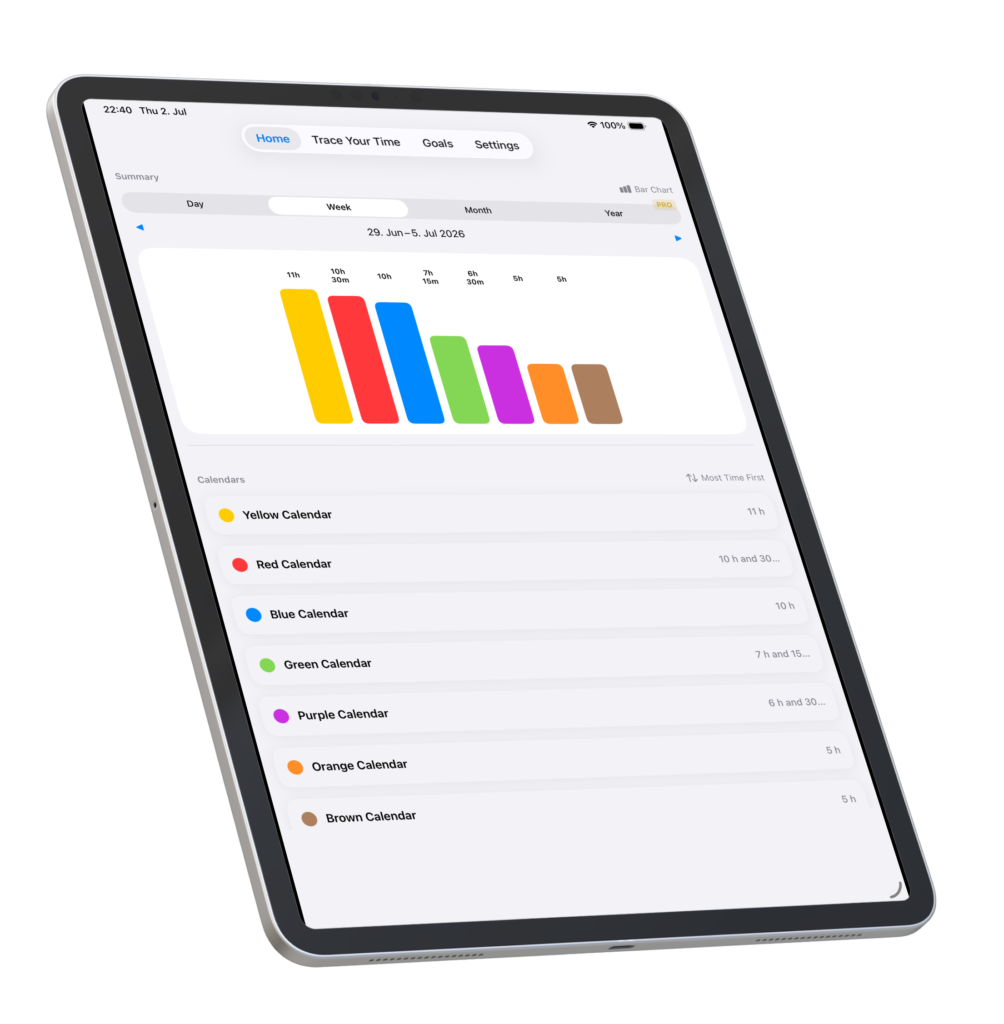
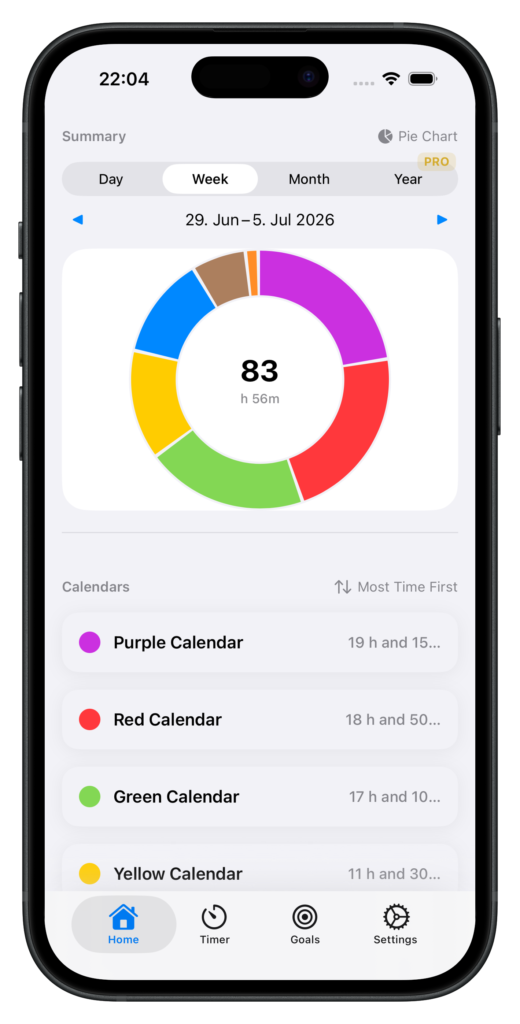
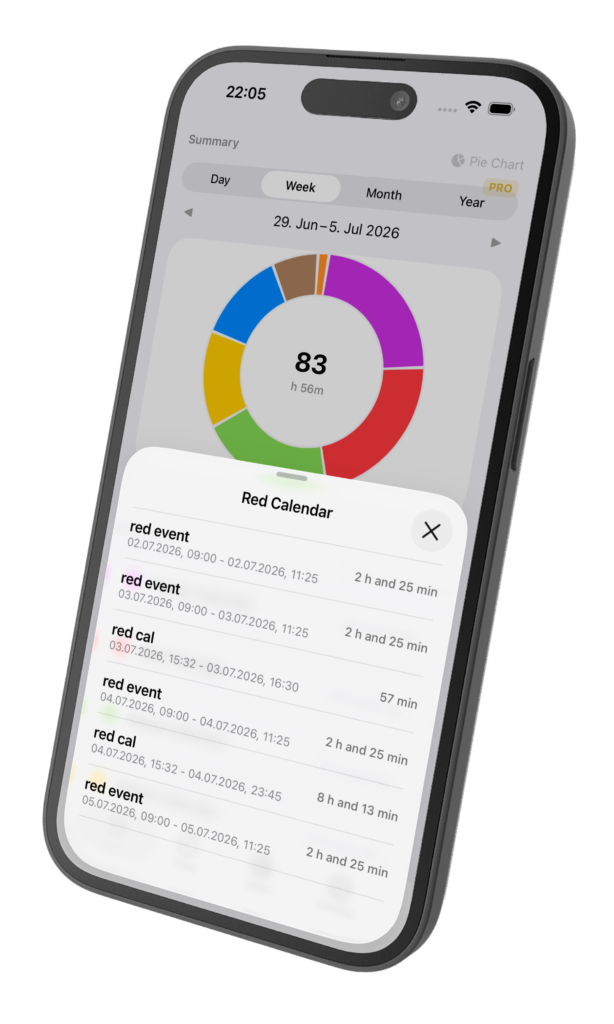
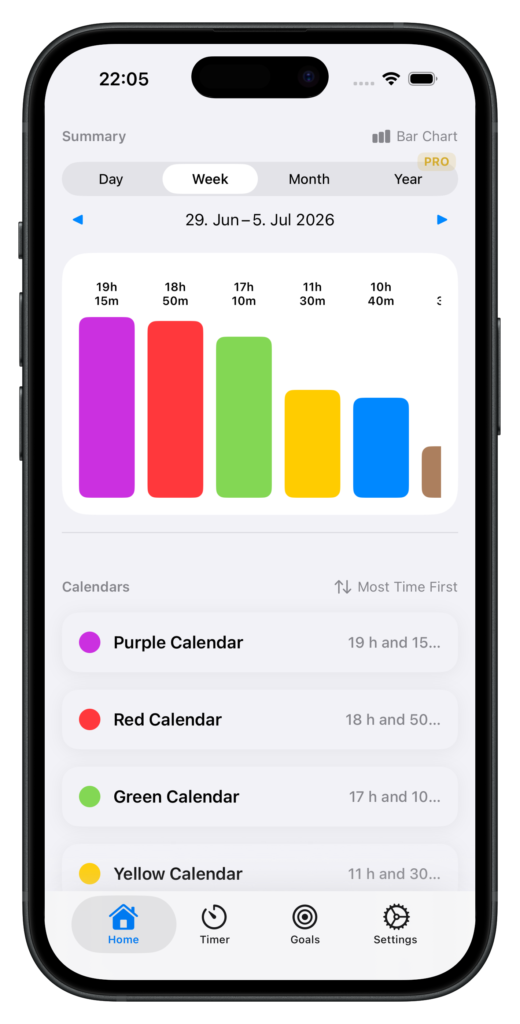
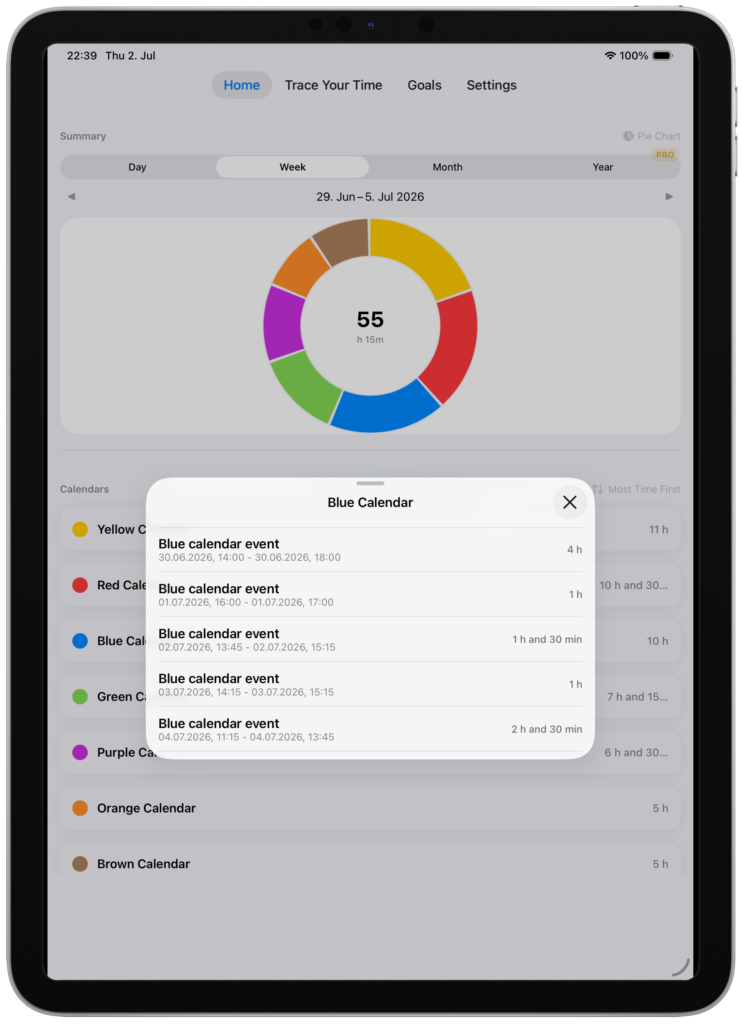
Four views, one tap apart. Zoom into today’s hours or step back and see the full shape of your week, month and year.
Apple Calendar
Your calendar, finally working for you.
TraceYourTime reads events straight from Apple Calendar. No data import, no switching apps. Your existing schedule becomes the source of your insights.
Timer & Favourites
Track time as you live it.
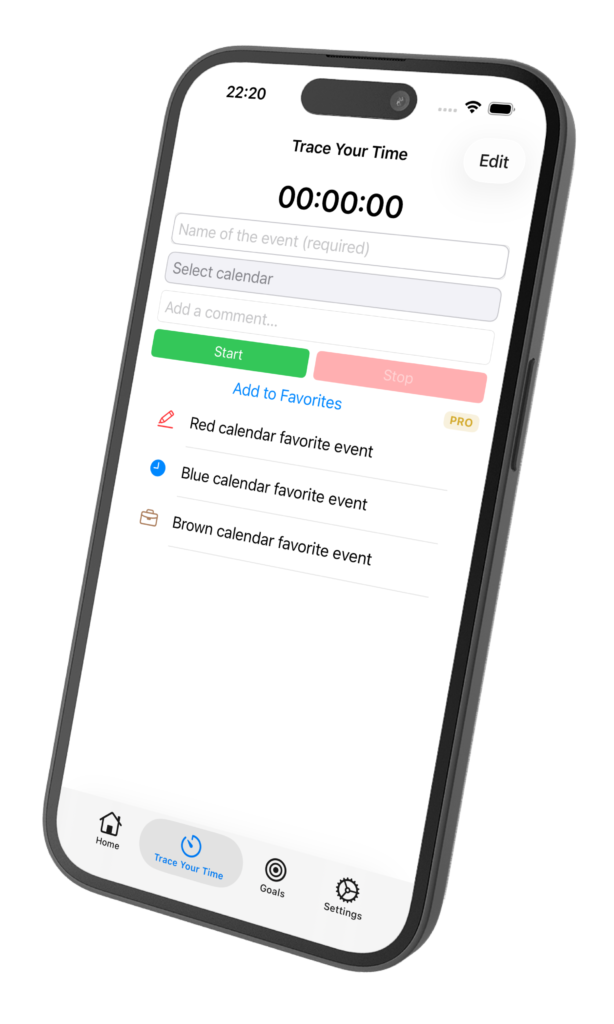
Start a timer in one tap and save the session straight to Apple Calendar. Save your daily activities as Favourites and quick-start them without typing a thing.
How it works
From download to insight in under two minutes.
No onboarding. No manual entry. Just your calendar, finally showing you the full picture.
01
Download
Install TraceYourTime on your iPhone. Free to start.
02
Connect
Grant calendar access and choose which calendars feed your summaries.
03
Review
See instant visual breakdowns of how you have been spending your time.
04
Trace
Use the Timer and Favourites to capture new sessions as they happen.
FAQ
Questions, answered.
Q1: Is TraceYourTime free?
A1: * Yes, TraceYourTime is free to download and use.
Q2: Which devices are supported?
A2: **TraceYourTime is available on iPhone & iPad. Requires iOS 17+ or later.
Q3: Does it work with my existing calendar?
A3: Yes. TraceYourTime connects directly to Apple Calendar. No data import needed.
Q4: Does it access my calendar data?
A4: Your data never leaves your device. TraceYourTime reads your calendar locally and does not send data to any server.
Q5: Can I choose which calendars to include?
A5: Yes. You can select exactly which calendars feed your summaries and toggle them at any time.
* Some features might be sold separately. Basic core features are free forever. ** Watch and Mac support is on the roadmap.
Available on the App Store
Start knowing where your time goes.
Your calendar is a mirror of your reality. The more you track, the clearer the picture.